Your Email Account Is the Master Key: Protect It First
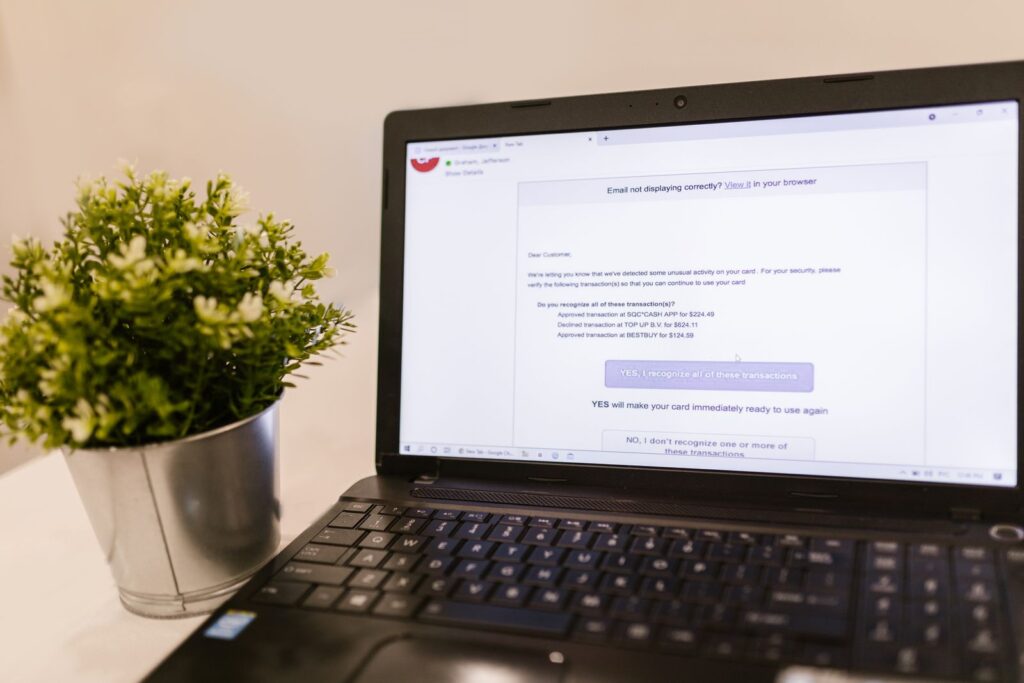
If you asked most people which online account matters most, many would say their bank account. That makes sense. Money is important, and nobody wants a surprise shopping spree sponsored by their checking account. But there is another account that often deserves first place on the protection list: your email. Your email account is where password reset links arrive, where receipts and bills pile up, and where a scammer can learn enough about you to sound uncomfortably convincing. In other words, your email is not just another login. It is often the master key to the rest of your digital life.
Quick takeaway: Protect your email account first because it protects many of your other accounts. A strong passphrase, multi-factor authentication, updated recovery options, and a quick check for suspicious forwarding rules or login activity can greatly reduce your risk.
What This Means in Plain English
Your email account is powerful because many websites trust it as proof that you are you. If you forget a password, the website usually sends a reset link to your email. If someone can get into your inbox, they may be able to reset passwords for shopping accounts, social media, cloud storage, financial apps, and more.
Email also contains a lot of useful clues. Receipts show where you shop. Bills show which companies you use. Travel confirmations show dates and destinations. Old messages may include addresses, phone numbers, family names, or business details. A scammer does not need to know everything about you. Sometimes they only need enough to make a fake message sound real.
The good news is that you do not need to become a cybersecurity expert, start wearing a hoodie in a dark room, or memorize a 400-page security manual. You just need to protect the account that protects the other accounts.
Why It Matters
When an email account is compromised, the damage can spread quickly. A criminal may quietly read messages, search for financial accounts, set up hidden forwarding rules, or try password resets on popular services. They may also send scam messages to your contacts because a message from your real address looks more believable than a random one from the internet wilderness.
This is why email security is so important for everyday life. Your inbox may connect to your bank, your doctor, your kid’s school, your phone provider, your online shopping, your cloud photos, and your work accounts. Protecting it is like locking the front door before worrying about whether the junk drawer is organized.
If you want a deeper dive into creating memorable but strong login secrets, Technology Ronin’s guide to using passphrases is a helpful next read.
What People Often Get Wrong
Email security can feel confusing because there are so many settings and warnings. Here are a few common misunderstandings worth clearing up:
- Thinking email is less important than banking: Your bank account is important, but your email may be the path someone uses to get into it or impersonate you elsewhere.
- Using one password everywhere: If the same password is used for email and another website has a breach, your inbox could be at risk too.
- Assuming no weird messages means no problem: Some attackers try to stay quiet. They may read, forward, or search your mail without immediately changing your password.
- Ignoring recovery settings: Old phone numbers or forgotten recovery email addresses can become weak spots. If you no longer control them, they should not be trusted with your account recovery.
A Real-World Example
Imagine a scammer gets the password to your email account because you reused it on an old shopping site that had a data breach. They sign in and search your inbox for words like “bank,” “invoice,” “receipt,” and “password.” They find your phone provider, your streaming account, and a few online stores. Then they start requesting password resets.
If your email has multi-factor authentication turned on, they may be stopped right away. Multi-factor authentication, often called MFA or 2FA, means your password is not enough by itself. The account also asks for a second proof, such as an app prompt, code, or security key. Without that second step, the scammer hits a wall instead of walking through the front door with muddy boots.
Ronin Tip: If you only have time to secure one account today, choose your primary email account. It is the command center. Add MFA, check recovery options, and look for forwarding rules before moving on to less important accounts.
How to Handle It Safely
Locking down your email does not have to be complicated. Most major email providers put these options in a section called Security, Privacy, Account, or Sign-in settings. The names vary, but the goal is the same: make sure only you can get in, recover the account, and control where messages go.
Use a Strong, Unique Passphrase
Your email password should be different from every other password you use. A passphrase is usually easier to remember and harder to guess than a short, complicated password. Think of several unrelated words arranged into a phrase, then add a little personal structure if you like. The important part is that it is long, unique, and not reused anywhere else.
A password manager can help by creating and remembering strong passwords for you. If you are not ready for that yet, at least make your email passphrase one of the strongest and most unique passwords you have.
Turn On Multi-Factor Authentication
MFA adds a second step when you sign in. For most people, an authenticator app, device prompt, or security key is stronger than a text message code. Text messages are still better than having no MFA, but if your email provider offers an app prompt or authenticator app, consider using that.
After turning it on, save your backup codes somewhere safe, such as in a password manager or printed and stored securely at home. Backup codes are the spare house key of account security. You hope you do not need them, but you will be glad they exist if your phone breaks or goes missing.
Check Your Recovery Phone and Email
Recovery options help you get back into your account if you forget your password or lose access. Review the phone number and recovery email listed on your account. Remove anything old, unfamiliar, or no longer under your control.
This matters because a recovery email from ten years ago can become a security problem if you forgot about it, lost access to it, or let someone else use it. Your recovery options should belong to you today, not to Past You who also thought saving files to the desktop was a filing system.
Look for Suspicious Forwarding Rules
Email forwarding rules automatically send copies of messages to another address. They are useful when you set them up on purpose. They are a problem when someone else creates one quietly.
In your email settings, look for forwarding, filters, rules, or mailbox rules. If you see messages being forwarded to an address you do not recognize, remove the rule, change your password, check your recent login activity, and review your security settings. Also check for filters that automatically hide, archive, or delete messages from banks, stores, or security services.
Review Recent Login Activity
Most major email services let you see recent sign-ins, devices, or security activity. Look for unfamiliar locations, devices, browsers, or times. Do not panic if the location is a little odd; internet providers can make your location look nearby but not exact. But if you see a device you do not own or a sign-in from a place that makes no sense, take it seriously.
If something looks wrong, sign out of all devices if your provider offers that option, change your password from a trusted device, confirm MFA is turned on, and review recovery options and forwarding rules.
What You Can Do Today
You do not have to fix everything at once. Start with a few simple steps:
- Change your email password: Use a strong, unique passphrase that you do not use anywhere else.
- Turn on MFA: Choose an authenticator app, device prompt, or security key when available. Text message codes are better than nothing.
- Save backup codes: Store them in a safe place so you are not locked out if your phone is lost, replaced, or taking an unexpected swim.
- Review recovery options: Make sure your recovery phone number and email address are current and belong to you.
- Check forwarding and filters: Remove any forwarding rules, filters, or mailbox rules you did not create or do not recognize.
- Review recent sign-ins: Look for unfamiliar devices or locations and sign out of devices you do not recognize.
When to Get Help
Get help if you cannot sign in, see password reset emails you did not request, notice messages in your sent folder that you did not send, find unfamiliar forwarding rules, or receive MFA prompts when you are not trying to log in. Those are signs that someone may be trying to access your account or may already have done so.
Start with your email provider’s official account recovery process. Use a trusted device if possible, such as your own phone or computer, not a public computer. If the account is connected to work, school, banking, or sensitive family information, it is worth contacting the organization involved. If you believe someone is using your information for fraud, the FTC’s identity theft resources can help you decide what to do next.
If a suspicious message or login attempt seems connected to a scam, Technology Ronin’s guide on how to spot fraud and scams can help you slow down and check the warning signs before responding.
The Bottom Line
Your email account deserves VIP security treatment because it often unlocks everything else. It holds personal details, receives password resets, and helps prove your identity across the internet. That does not mean you need to live in fear of your inbox. It just means your inbox should get the good lock, not the flimsy one from the garage drawer.
Start with the basics: a strong unique passphrase, MFA, updated recovery options, no suspicious forwarding rules, and a quick look at recent login activity. These steps are practical, realistic, and effective for most people. Protect the account that protects the other accounts, and you will be in a much stronger position.
Want a Hand From a Local Tech?
If you would rather have someone set this up with you, that is what we do. Technology Ronin offers friendly home IT & tech support for homes and small businesses in the Denver metro and surrounding areas, onsite or remote.
Quick Questions
Why secure email first?
Password resets land in your inbox, so whoever controls your email can reach your other accounts.
What is the fastest win?
Turn on two-factor authentication and check for sneaky forwarding rules you did not set up.
Helpful Resources
For readers who want to learn more, these trusted resources are a good place to start: